Back in 2012 I wondered if there was a single online place, on the Gov•UK website, where people could find out about all the various governmental consultations that were currently open for input. Since then, yes, it's here -
1. Get Involved
- information about all sorts of ways you can be that bit more civic-minded, which includes information about submitting a response to consultations.
2. Open Consultations
- this link takes you straight to the page of open consultations. [RSS feed (opens an atom file)]
I was reminded of this recently because I missed hearing about the government's consultation into bias in medical devices, which was announced in November 2021, launched in August 2022 and closed in early October 2022. There was quite a lot of fuss kicked up when Sajid Javid announced it last year with people opining that it was all nonsense (it isn't) and the Daily Mail also wrote about it. There was so little fuss about the actual consultation that I missed hearing about it until 3 weeks after it closed and only because I went looking for it after writing a related article for the work blog.
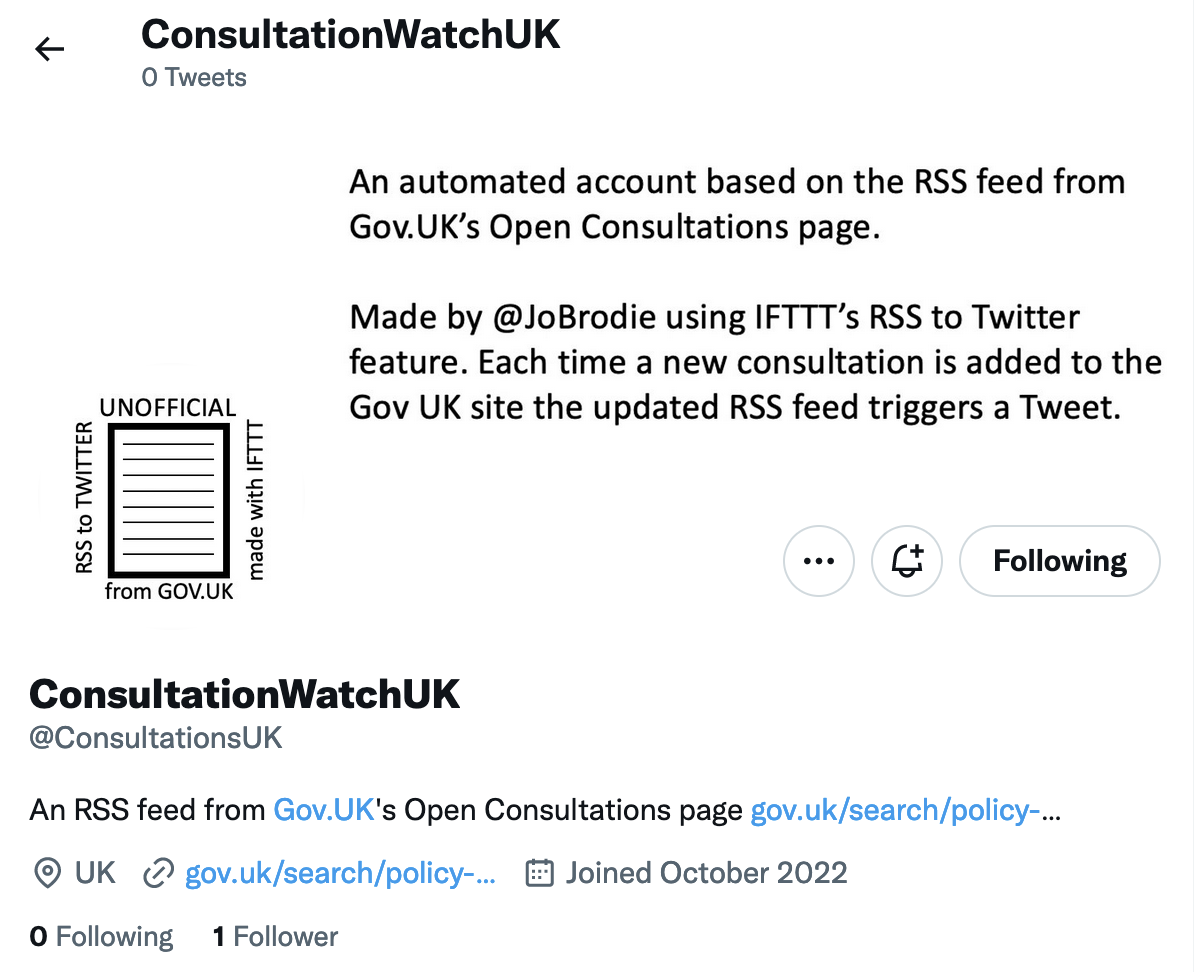
To help me keep an eye on this sort of thing I've created an automated Twitter account, called @ConsultationsUK (had to be less than 15 characters so couldn't use ConsultationWatch alas) which I've set up to send a Tweet whenever a new consultation is added to the Gov UK's website. See Technical details below for an explanation of how.
Department or country-specific consultations
I searched on Google using both the following search strings
inurl:gov.uk inurl:consult
inurl:gov.uk inurl:consultations
and this returned several departmental pages and also pointed me to country & county pages too.
- DEFRA - https://consult.defra.gov.uk/
- Education - https://consult.education.gov.uk/
- Environment Agency - https://consult.environment-agency.gov.uk/
- HSE: Health & Safety Executive - https://consultations.hse.gov.uk/
- Levelling Up - https://consult.levellingup.gov.uk/
- Ministry of Justice - https://consult.justice.gov.uk/
- Policy Papers and Consultations - https://www.gov.uk/search/policy-papers-and-consultations
- Scotland - https://consult.scotland.gov.uk/ aka https://consult.gov.scot
- Wales - https://gov.wales/consultations
- Northern Ireland - https://www.nidirect.gov.uk/articles/public-consultations
- London - https://consult.london.gov.uk/
Local examples (there are many more)
- Harrow - https://consult.harrow.gov.uk/
- Highland - https://consult.highland.gov.uk/
- Nottinghamshire - https://consult.nottinghamshire.gov.uk/
- Reading - https://consult.reading.gov.uk/
- Royal Borough of Kensington & Chelsea - https://consult.rbkc.gov.uk/
- Wakefield - https://consult.wakefield.gov.uk/
- Torridge - https://consult.torridge.gov.uk/
- Uttlesford - https://consult.uttlesford.gov.uk/
There's no https://consult.greenwich.gov.uk/ though!
Technical details
To make the Twitter account announce consultations I've used a free online app called IFTTT (IF This Then That) which lets you set up a trigger, in this case an update to the RSS feed from the Open Consultations page. I've linked the Twitter account (@ConsultationsUK) so that when a new feed item appears (the trigger) the resulting action is that that account emits a tweet with the title of the new consultation and its link.





 Posts
Posts

